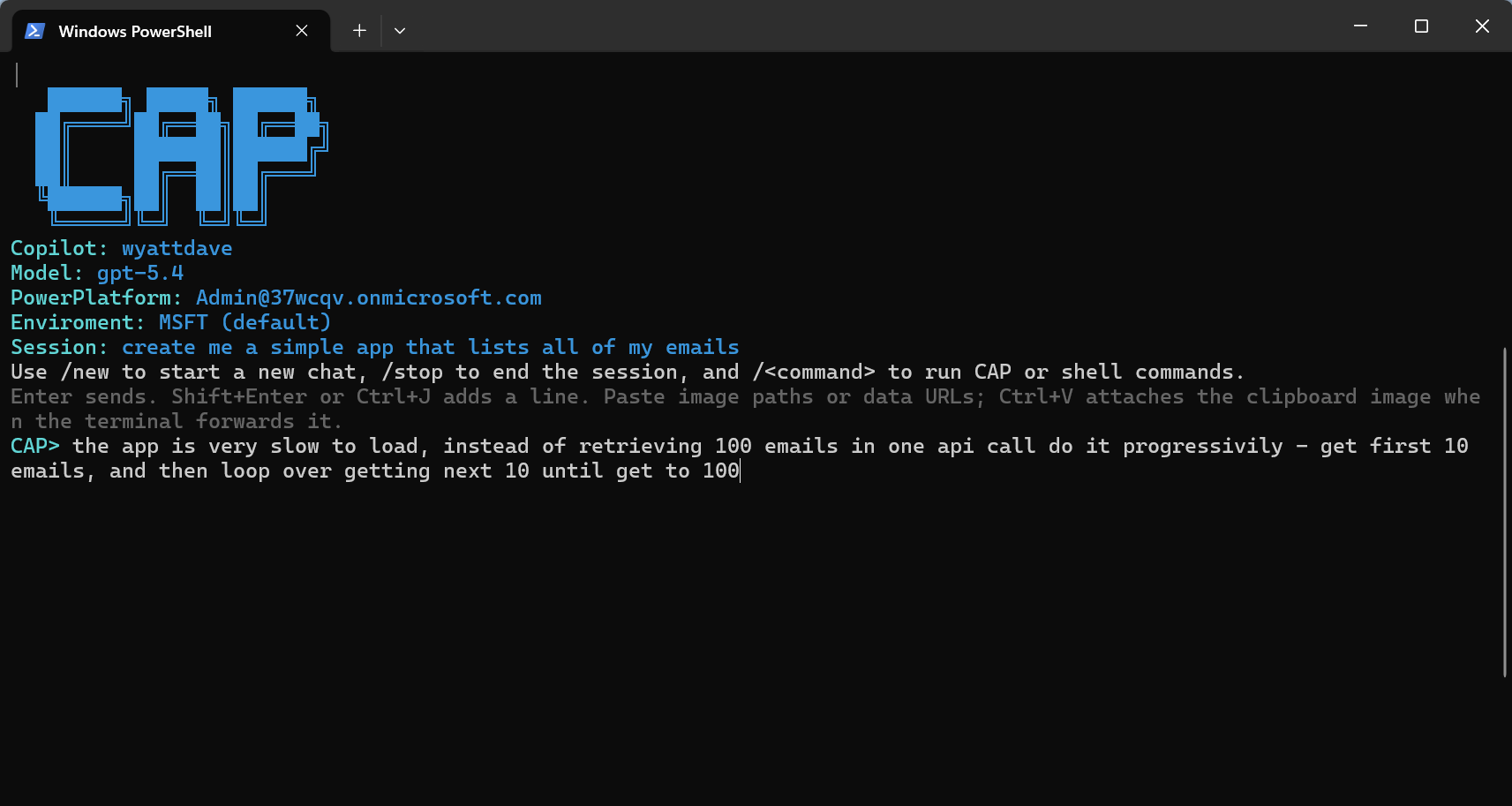
cap | Start the interactive Copilot chat session using the active saved CAP context. |
cap-p <prompt> | Run a one-off Copilot turn using the current CAP prompt and instruction files. |
cap auth | Start interactive browser login using the bundled MSAL auth provider. |
cap auth --change | Clear local auth cache and force account picker login. |
cap auth --logout | Clear the cached login. |
cap copilot | Launch Copilot CLI login flow or save an accepted token. |
cap copilot --token <githubToken> | Save a Copilot-compatible GitHub token. |
cap copilot --logout | Clear CAP-saved Copilot metadata and bundled Copilot OAuth state on Windows. |
cap model | List live GitHub Copilot models and store the selected model. |
cap model --debug | Print model source, auth identity, and available model ids for the active account. |
cap model --<publisher/model> | Update the selected model without opening the picker. |
cap skills | Open bundled skill files from the installed CodeApp JS package. |
cap skills --<skill> | Quick-open a matching packaged skill. |
cap instruction | Print the CLI instruction file. |
cap instruction --edit | Open the instruction file in VS Code or a platform fallback editor. |
cap instruction --delete | Remove the CLI instruction file. |
cap instruction --<markdownPath> | Copy that Markdown file into the CLI instruction file. |
cap session | List saved chats and mark the selected one as active for the next chat session. |
cap session --<session> | Select a saved CAP session directly. |
cap edit | List workspace files and open the selected file. |
cap edit --<filePath> | Open a specific workspace file in VS Code or a fallback editor. |
cap environment | List tenant environments and write the selected environment ID to power.config.json. |
cap environment --<environmentURL> | Select the environment whose Dynamics URL matches the provided URL. |
cap environment --info | Print current environment display name, Dynamics URL, and environment ID. |
cap environment-variable --name "Service Settings" --publisher-prefix wd --value '{"url":"https://example.com"}' | Create an environment variable without interactive prompts. Use --environment <url|id> to override the configured environment. environmentvariable and envvar are supported aliases. |
cap dataverse --<table-logical-name> | Add a Dataverse table data source through the bundled action layer. |
cap flow | List flows and add the selected flow as a Power Apps data source. |
cap flow --<flow-id> | Run power-apps add-flow --flow-id <id> directly. |
cap connection --<apiName> | Select the first connection for a connector and add it as a data source. |
cap setup | Copy the bundled codeapp-js/codeApp template into the current working directory. |
cap deploy | Run power-apps push, extract the app ID, and write it into power.config.json. |
cap deploy --debugger | Prepend the debugger bootstrap to dist/index.js before pushing. |